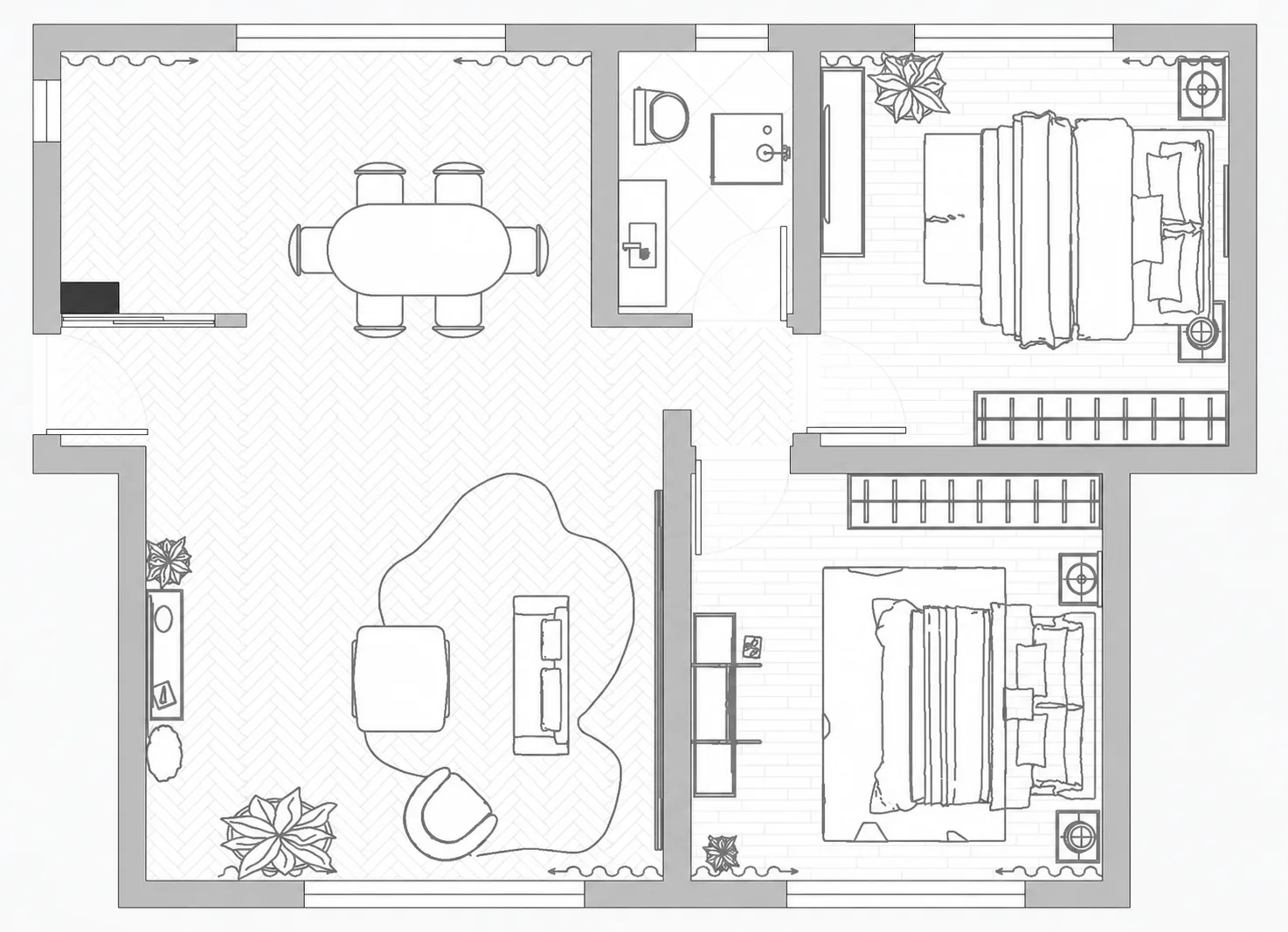
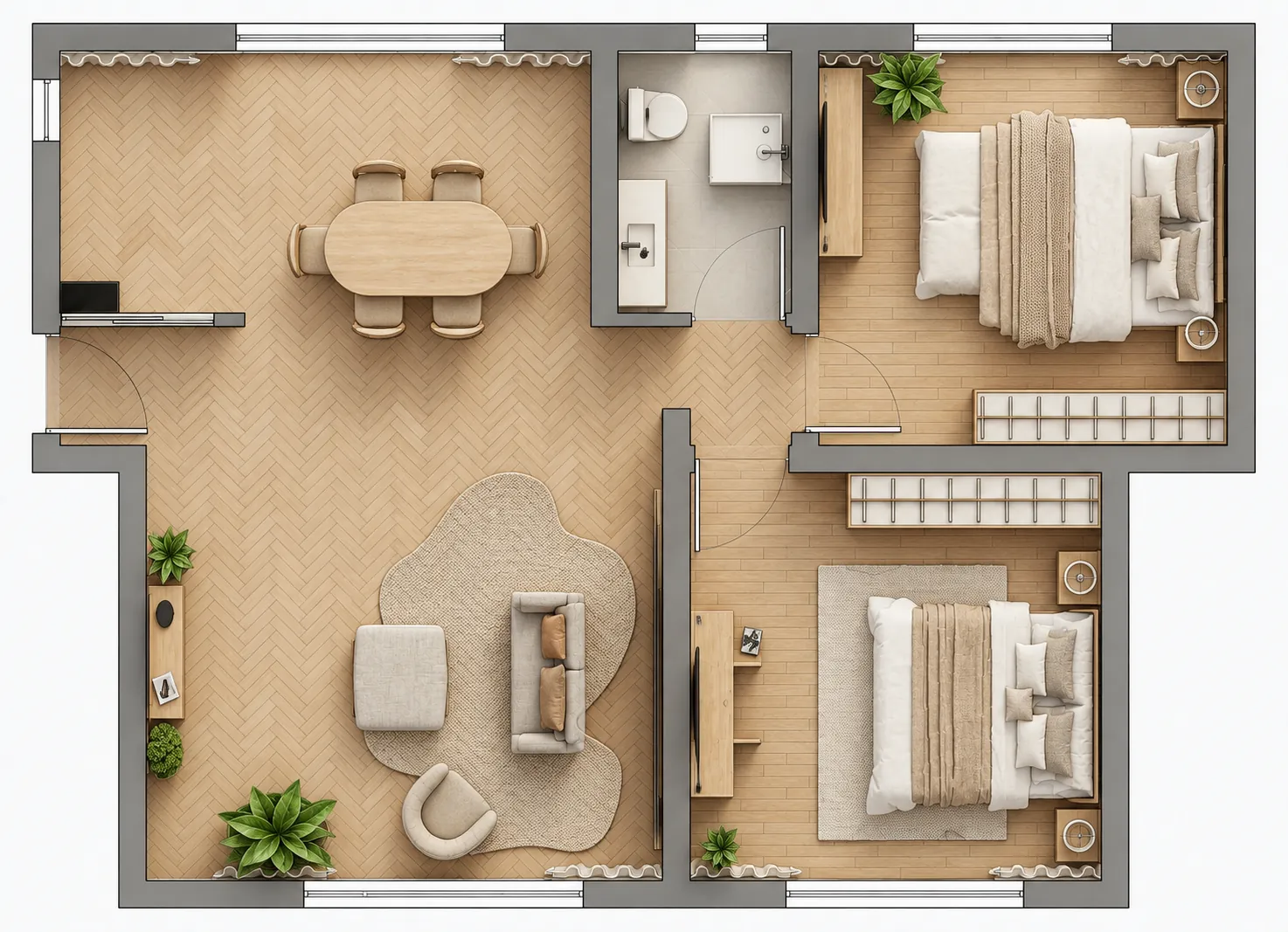
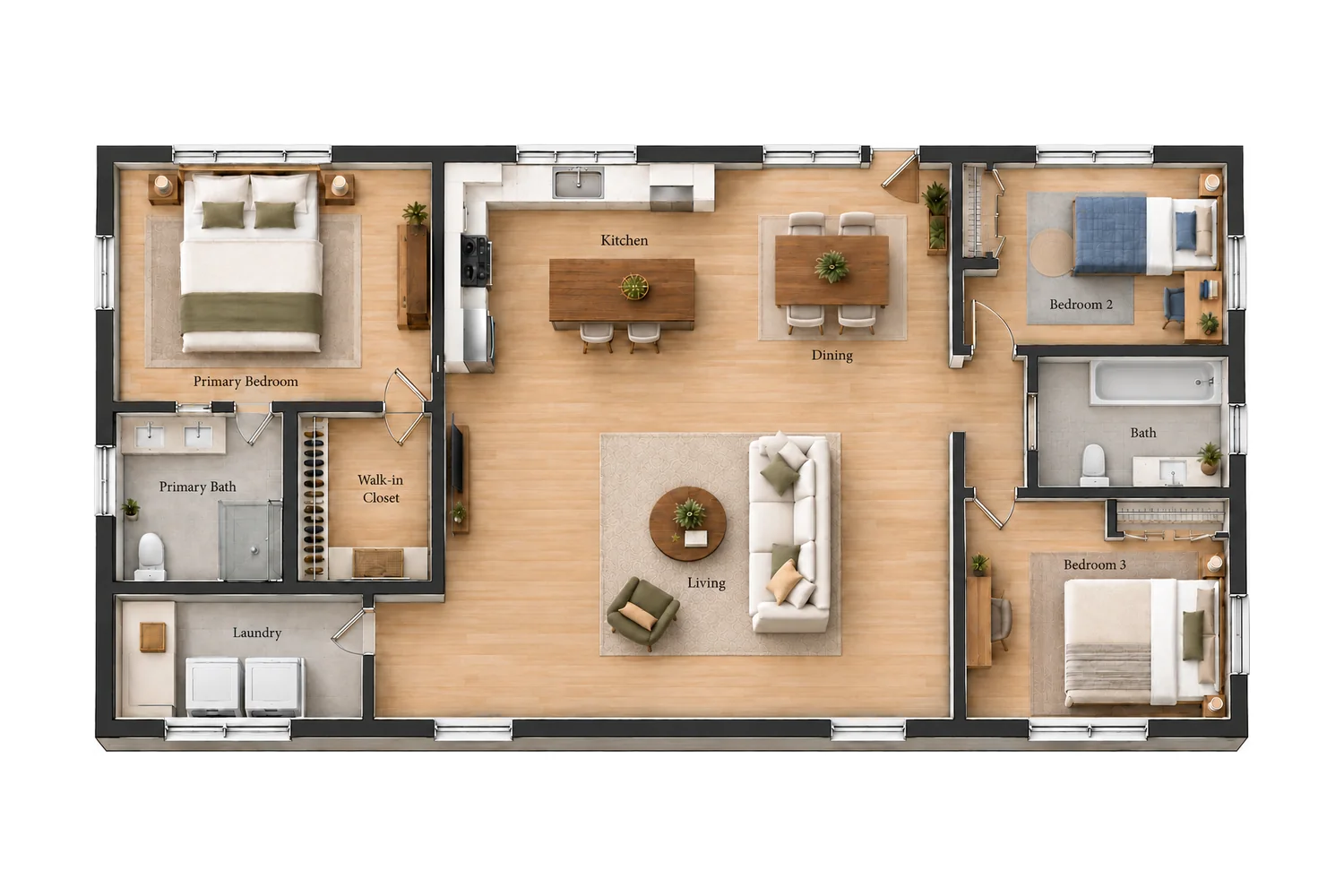
AIHom’s Floor Plan Creator lets you generate a home layout from a written description and continue designing in 2D, 3D, and Render views. You can move walls, arrange furniture, replace pieces through chat, and create a colorized floor plan without starting in CAD.
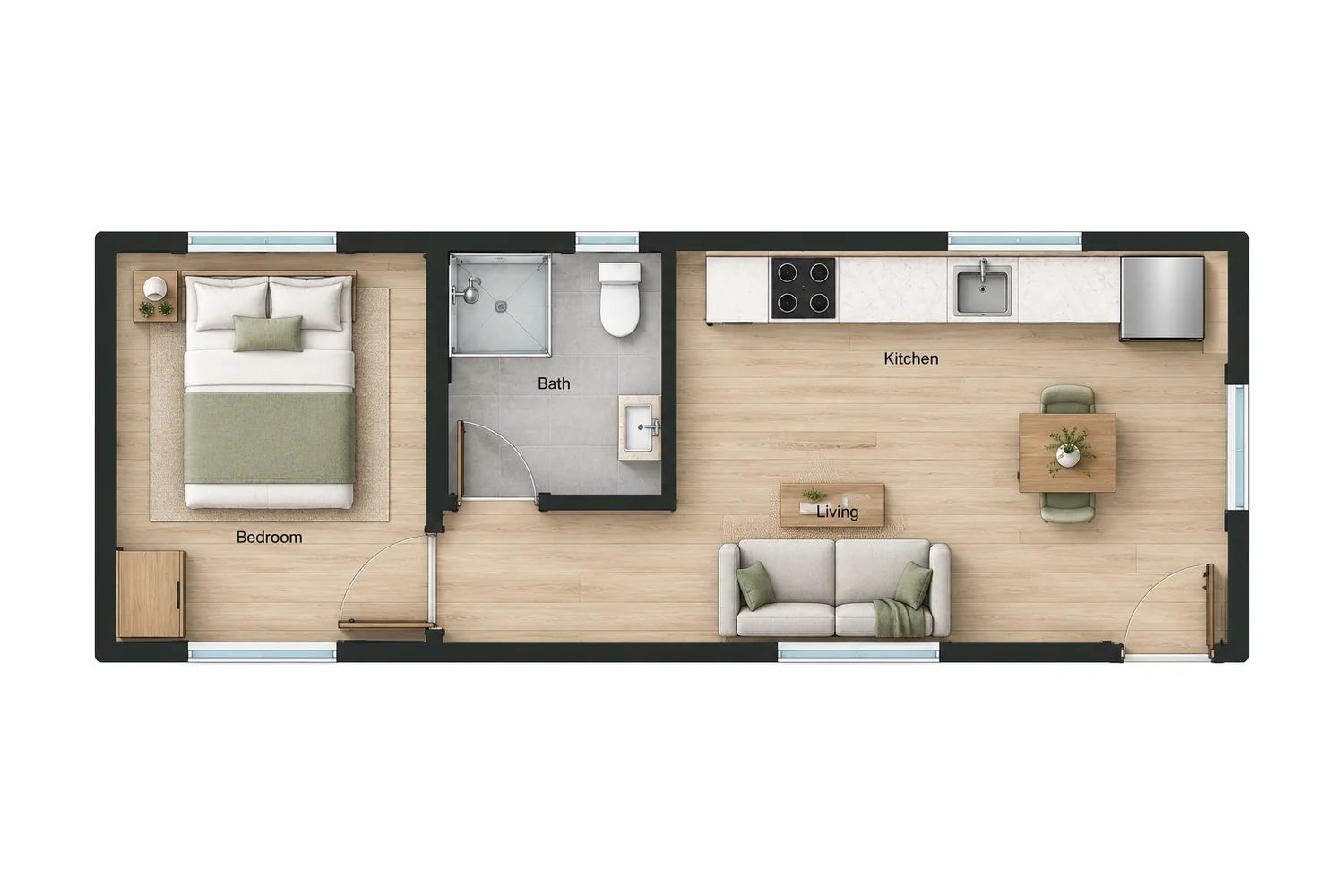
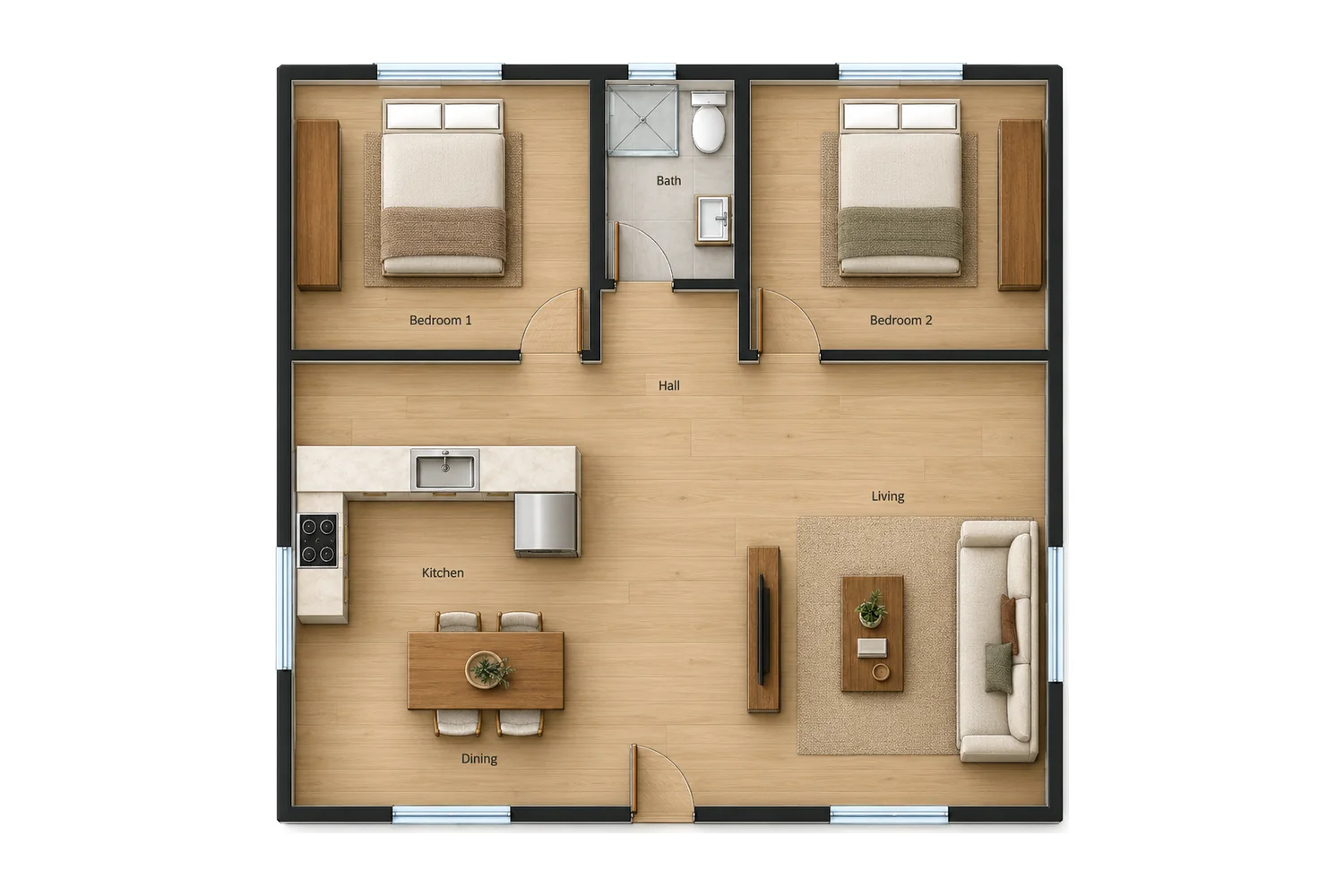
Describe your home to the AIHom agent in chat, including the approximate size, number of bedrooms and bathrooms, and layout preferences. For example: “A 1,000 sq ft home with two bedrooms, one bathroom, and an open kitchen and living area.” AIHom generates a floor plan from your description. Review the layout, then ask for changes in the same chat.
You can start using AIHom for free with limited usage. AI generation and rendering use credits, and additional credits are available to purchase. Check your account and the pricing page for your current allowance and available options.
Yes. In the 2D editor, you can select and move walls to adjust the layout. You can also add furniture from the library, move pieces, and resize or rotate them to explore different arrangements.
Yes. Tell AIHom which furniture item you want to replace and what you would like instead—for example, “Replace the curved sofa in the living room with an L-shaped sectional.” You can also select furniture in Render view and browse replacement options.
Yes. Upload a PNG, JPG, or PDF of your floor plan to start from an existing layout and continue into a furnished 3D design. Use a clear image so the walls, doorways, and room arrangement are easy to identify.
Yes. Generate a furnished 3D design from your floor plan, then rotate and zoom to inspect the layout. In Render view, switch between rooms and viewing angles, capture views you like, and replace furniture directly in the scene. Sync furniture edits from 2D when needed.
Yes. AIHom’s Real-Colorize feature turns a line drawing into a colored top-down floor plan with floor textures, furniture, and greenery. The result is a visual enhancement of the plan; use 3D view separately to explore a furnished model.
Try the AI floor plan generator for free
Describe your home, generate a layout, and make it your own.
We use cookies and similar tools to bring you a smooth and convenient experience on our site. To learn more about how we use cookies, view our here.
AIHom Cookie Notice
Along with
User Agreement
and
Privacy Policy
provided by AIHom Inc. and its affiliates (“we”, “us” or
“AIHom
Group”), this Notice provides you (or “user”) with information
about the
cookies that are used by the features and services of AIHom official website or AIHom Platform
(“AIHom
Platform”). This Notice will be reviewed from time to time to ensure that its
content is
kept
up-to-date. If any changes are made, we will publish the latest version of the Notice here. When
we make
significant changes, we will notify you of the change the next time you visit AIHom Platform or
by
other
means of communication.
A. What is cookie & Why do we use cookies
When you visit AIHom Platform, the site asks your browser to store a small piece of data (text
file)
called
a cookie on your device in order to evaluate the performance of the site. We also use
third-party
cookies,
which are cookies from a domain different than the domain of AIHom Platform you are visiting,
for
marketing
efforts.
B. What kind of cookies do we use
We use the following categories of cookies:
1. Strictly necessary cookies
Strictly necessary cookies are necessary for AIHom Platform to function and cannot be switched
off in
our
systems. They are usually only set in response to actions made by you which amount to a request
for
services, such as setting your privacy preferences, logging in or filling in forms. You can set
your
browser
to block or alert you about these cookies, but that will cause some parts of AIHom Platform to
not
work.
2. Performance cookies
Performance cookies allow us to count visits and traffic sources so we can measure and improve
the
performance of our site.They help us to know which pages are the most and least popular and see
how
visitors
move around the site.If you do not allow these cookies we will not know when you have visited
our site
and
will not be able to monitor its performance.
3. Marketing cookies
We also cooperate with third-parties that deploy cookies when users interact with marketing communications. Marketing cookies collect personal information such as your IP address and clicks. Collected information is used to evaluate the effectiveness of our marketing campaigns or to provide better targeting for marketing. We do not always have control over those cookies.
C. What cookies do we use
Categories
Names of cookies
Functions
Strictly necessary cookies
qunhe-jwt
Remember your login status: user id, name, email, avatar, character, region
qunhe-refresh
Refresh your permissions: user id, name, email, avatar, character, region
showroom-jwt
Remember your user id, email, company, and status
qh-locale
Stores your language preferences
qh-cm-fe-locale
Stores your language preferences
Performance cookies
ktrackerid
Monitors abnormal conditions during your visit
ktrackertime
Monitors abnormal conditions during your visit
Marketing cookies
qhdi
Recognises website visitors(anonymously- no personal information is
collected
on
the user)
hubspotutk
Identifies your session
rdt_uuid
Identifies which web page you came from
hssrc
Identifies which web page you came from
hstc
Identifies which web page you came from
cio
Identifies which web page you came from
cioid
Identifies which web page you came from
fbd
Identifies which web page you came from
ajs_anonymous_id
Identifies which web page you came from
ajs_user_id
Identifies which web page you came from
messagesUtk
Identifies which web page you came from
D. How do I control and delete cookies
1. Cookie settings
The "Cookie Settings" can be
utilized
to customize
your
cookie preferences. The "Cookie Settings" will record when you have consented to or rejected our
Notice
and
will ask for consent once a year to ensure users stay up-to-date with changes to our Notice. All
the
performance cookies and marketing cookies are controlled by the "Cookie Settings". You can also
access
the
“Cookie Settings” anytime from the link in the footer of AIHom Platform.
2. Using your browser
All of the cookies used on AIHom Platform, on third-party websites and through emails can be
enabled or
disabled through your browser. To control cookies through your browser, follow the instructions
usually
located within the “Help”, “Tools” or “Edit” menus in your browser. Please note that disabling a
cookie
or
category of cookies does not delete the cookie from your browser unless manually completed
through your
browser function.
3. Cookies set in the past
Your data collected from cookies can be deleted. If cookies are deleted, the information
collected prior
to
the preference change may still be used. However, we will stop using the disabled cookie to
collect any
further information from your user experience. For marketing cookies, when a user opts out of
tracking,
a
new cookie is placed to prevent users from being tracked.
4. Impact on the use
You can set your browser to block strictly necessary cookies, but that will cause some parts of
AIHom
Platform to not work.
You can accept or refuse the use of performance cookies or marketing cookies at any time. If you
choose
to
reject the use of performance cookies or marketing cookies, you will still be able to use AIHom
Platform,
and your use of all the features and areas of AIHom Platform will not be limited.
E. How often do we update this Notice
We may update this Notice from time to time or for other operational, legal or regulatory reasons
to make
changes in the cookies we use. Therefore, please re-read this Notice periodically to learn about
our use
of
cookies and related technologies. The date at the top of this Notice indicates when it was last
updated.
F. Where can I get further information
If you have any questions about our use of cookies, please feel free to contact us via email at
support@aihom.ai.
We will respond to your questions, comments or suggestions within 30 days after we receive them
and
verify
your user identity.
Last updated: May 11, 2021
Cookie notice
This website uses cookies to improve your experience, analyze site traffic, and offer
personalized content and advertising. By clicking "Accept All", you consent to our use
of cookies. You may manage preferences by clicking "Cookie Settings" or decline
non-essential cookies by clicking “Reject Non-Essential” or learn more by visiting our
AIHom Cookie Notice.

 Your layout will be generated in AIHom