Erstellen Sie mit AIHom einen Grundriss aus einer einfachen Beschreibung. Wählen Sie unten ein Haus aus, um zu sehen, wie Ihr Grundriss Gestalt annimmt.
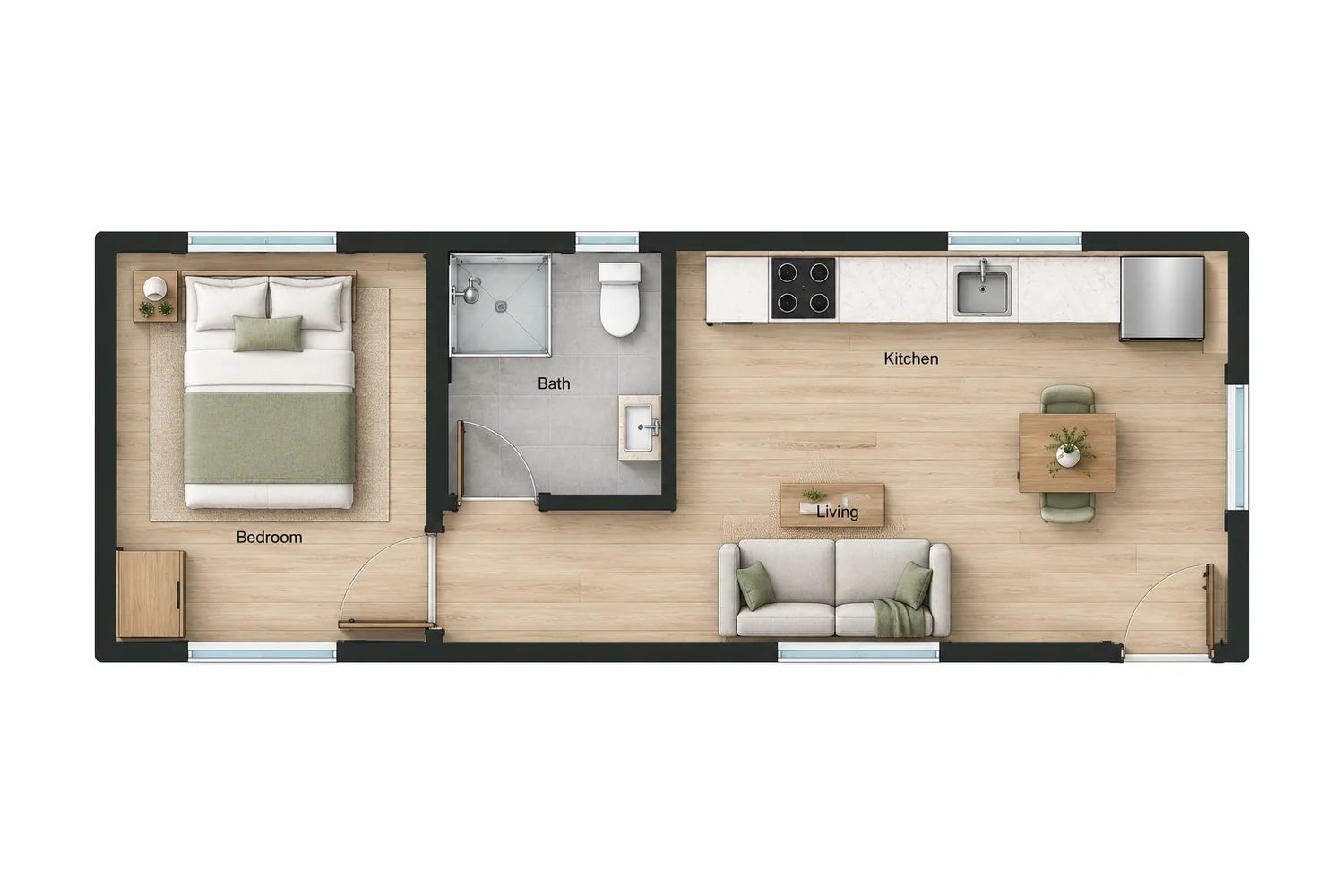
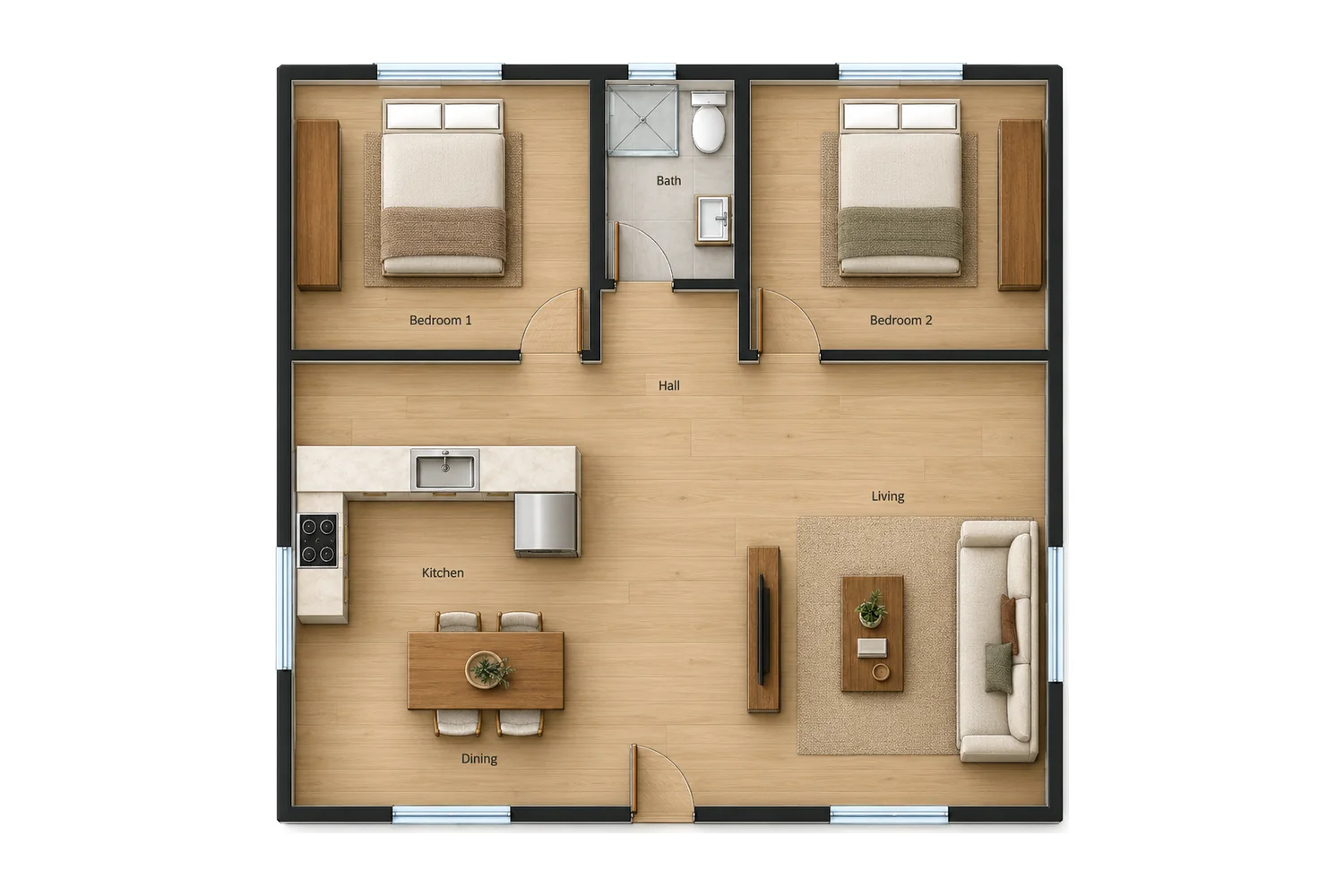
Ihr Layout wird in AIHom generiert.
Ein 1.000 Quadratfuß großes Haus mit zwei Schlafzimmern und einem offenen Wohnbereich.
Laden Sie eine PNG- oder JPG-Datei Ihres Grundrisses hoch und verwandeln Sie ihn in ein interaktives 3D-Modell, das Sie einrichten und weiter gestalten können.
Bearbeiten Sie Ihren Grundriss in 2D, tauschen Sie Möbel per Chat mit AIHom aus und sehen Sie jede Änderung in 3D und im Rendering.
2D-Editor
Wände im 2D-Editor verschieben
Wählen Sie eine Wand aus und ziehen Sie sie, um die Raumgröße anzupassen. Die Raumflächen werden dabei automatisch aktualisiert.
Möbelbibliothek
Möbel hinzufügen und anordnen
Ziehen Sie Möbel aus der Bibliothek in einen beliebigen Raum und passen Sie dann Größe und Drehung an.
KI-Chat
Tausche Möbel per Chat
Sagen Sie AIHom, welches Möbelstück ersetzt werden soll und welches Sie stattdessen möchten. AIHom tauscht die Möbel in Ihrem Plan für Sie aus.
3D-Ansicht
Jede Veränderung in 3D erleben
Wechseln Sie in den 3D-Modus, um Ihren Plan als möbliertes Modell anzuzeigen, das Sie drehen und zoomen können.
Machen
Räume erfassen und Möbel in Render austauschen
Wechseln Sie in Render zwischen verschiedenen Räumen und Blickwinkeln, erfassen Sie die gewünschten Ansichten und ersetzen Sie Möbel direkt in der Szene.
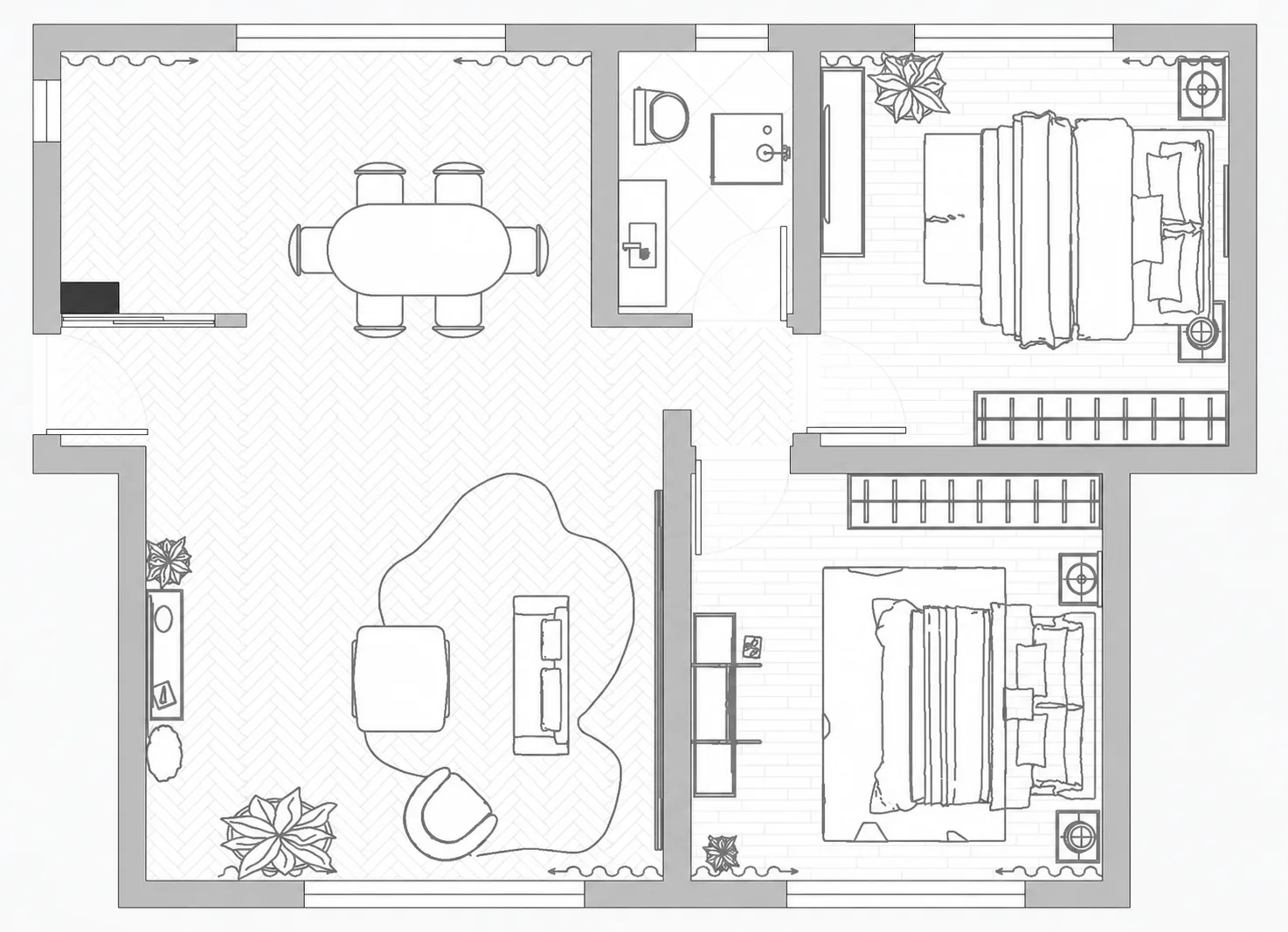
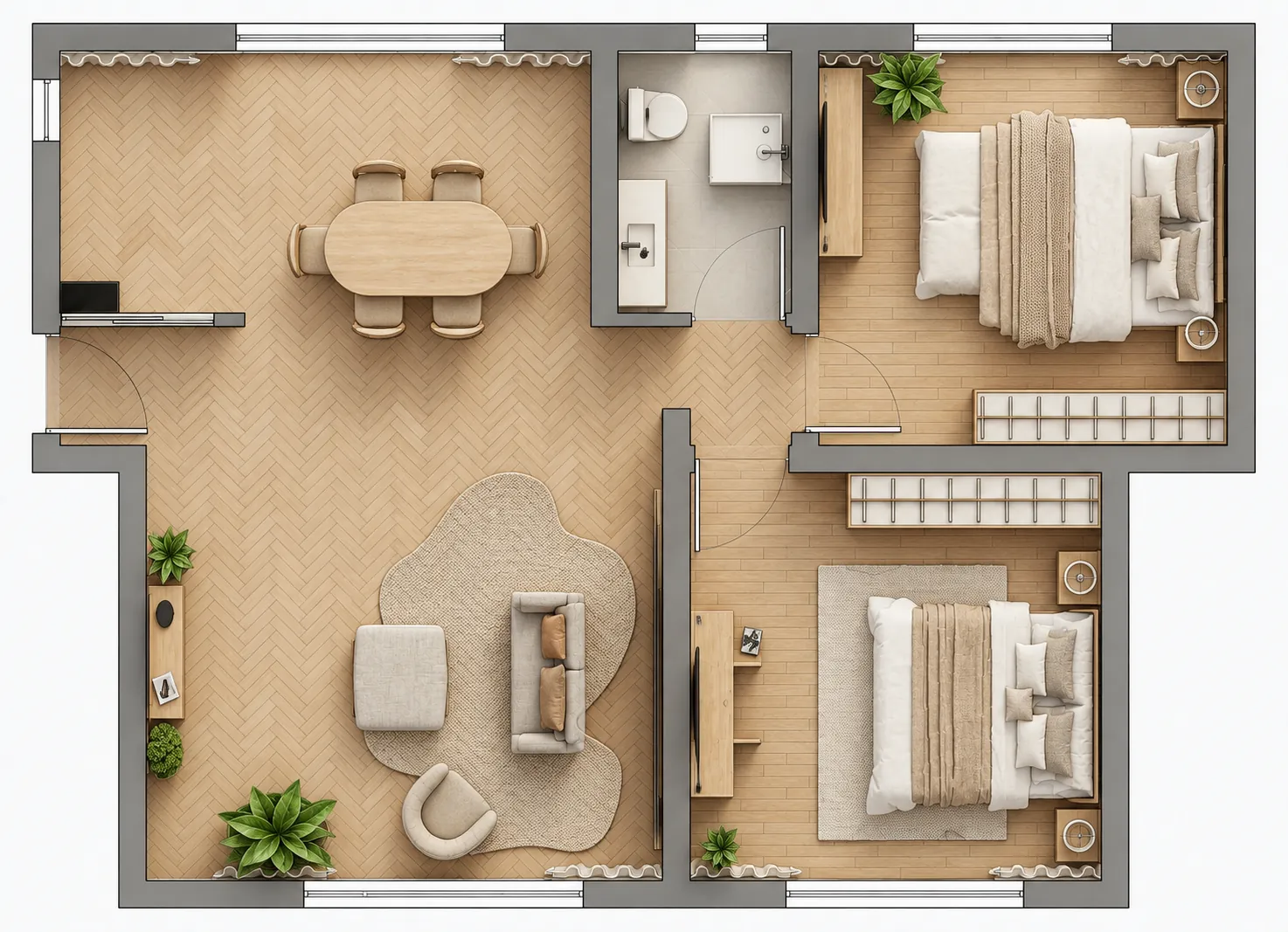
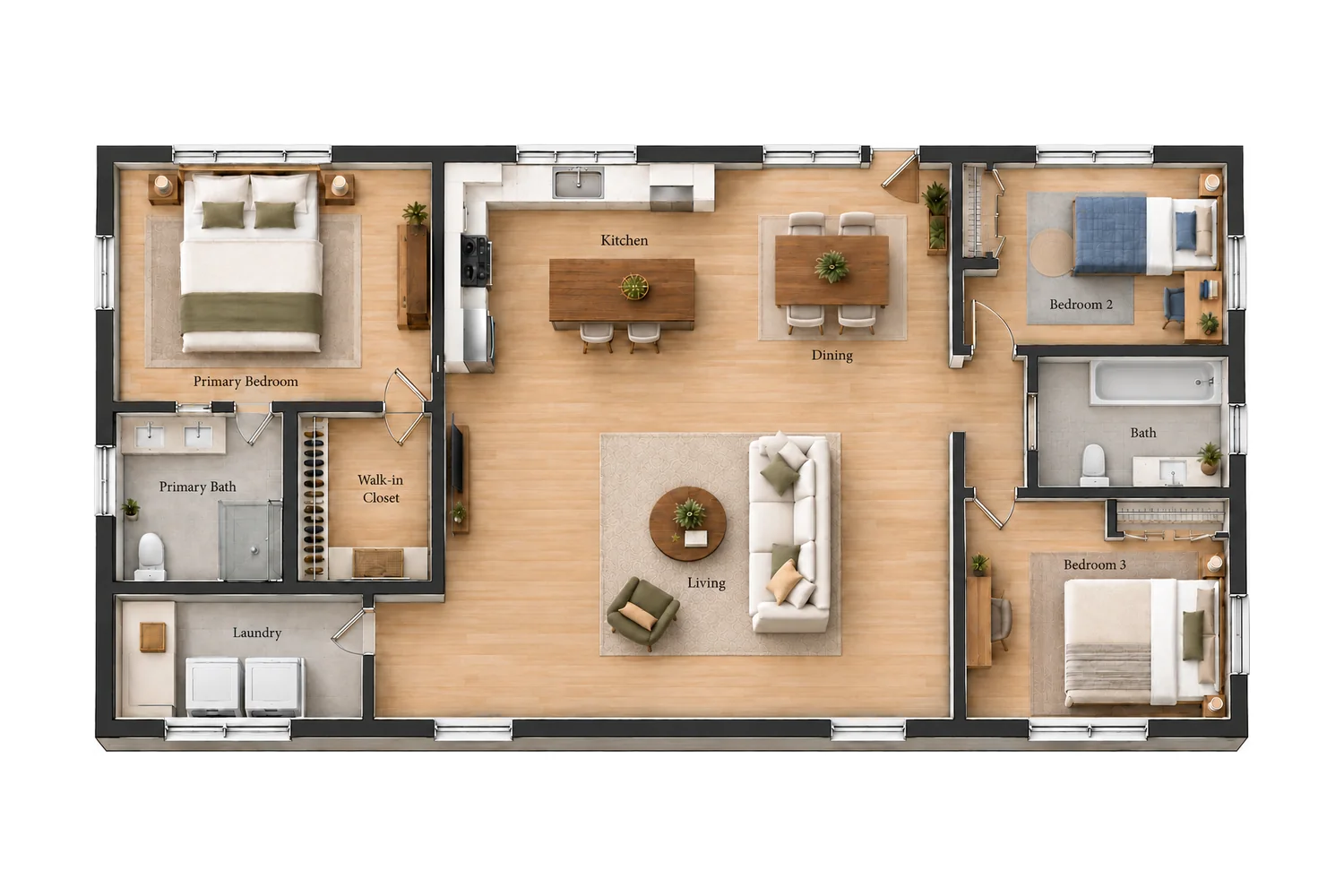
Gestalten Sie Ihren Grundriss mit einem Klick farbig.
Real-Colorize verwandelt Ihre Strichzeichnung in einen farbigen Draufsichtplan mit Bodenstrukturen, Möbeln und Grünpflanzen.
1Klicken Sie in der oberen Leiste auf „Veröffentlichen“.
2Bewegen Sie den Mauszeiger über den Grundriss und klicken Sie auf „Real-Colorize“.
3Der Farbplan ist vorhanden und bereit zum Export.
Häufig gestellte Fragen zum Grundriss-Generator
Antworten auf die am häufigsten gestellten Fragen.
Mit dem Grundriss-Generator von AIHom erstellen Sie einen Hausgrundriss anhand einer schriftlichen Beschreibung und können diesen anschließend in 2D-, 3D- und Renderansichten weitergestalten. Sie können Wände verschieben, Möbel anordnen, Elemente per Chat austauschen und einen farbigen Grundriss erstellen, ohne direkt mit CAD arbeiten zu müssen.
Teilen Sie AIHom Ihre ungefähre Hausgröße, die Anzahl der Schlaf- und Badezimmer sowie Ihre bevorzugten Grundrisse mit. Zum Beispiel: „Ein Haus mit ca. 93 m² Wohnfläche, zwei Schlafzimmern, einem Badezimmer und einem offenen Wohn- und Küchenbereich.“ Generieren Sie den Grundriss, überprüfen Sie ihn und verfeinern Sie Ihr Design weiter.
Sie können AIHom zunächst kostenlos mit eingeschränktem Nutzungsumfang nutzen. Die KI-Generierung und das Rendering verbrauchen Guthaben; zusätzliches Guthaben kann erworben werden. Ihre aktuelle Guthabenmenge und die verfügbaren Optionen finden Sie in Ihrem Konto und auf der Preisseite.
Ja. Im 2D-Editor können Sie Wände auswählen und verschieben, um die Raumaufteilung anzupassen. Sie können außerdem Möbel aus der Bibliothek hinzufügen, einzelne Elemente verschieben und deren Größe oder Drehung ändern, um verschiedene Anordnungen auszuprobieren.
Ja. Teilen Sie AIHom mit, welches Möbelstück Sie ersetzen möchten und welches Sie stattdessen bevorzugen – zum Beispiel: „Ersetzen Sie das gebogene Sofa im Wohnzimmer durch eine L-förmige Eckcouch.“ Sie können Möbel auch in der Renderansicht auswählen und die Ersatzoptionen durchsuchen.
Ja. Laden Sie ein PNG- oder JPG-Bild Ihres Grundrisses hoch, um von einem bestehenden Layout auszugehen und daraus eine möblierte 3D-Planung zu erstellen. Verwenden Sie ein klares Bild, damit Wände, Türen und die Raumaufteilung gut erkennbar sind.
Ja. Erstellen Sie aus Ihrem Grundriss ein möbliertes 3D-Design und drehen und zoomen Sie anschließend, um die Raumaufteilung zu überprüfen. In der Renderansicht können Sie zwischen Räumen und Blickwinkeln wechseln, die gewünschten Ansichten speichern und Möbel direkt in der Szene austauschen. Synchronisieren Sie bei Bedarf Möbeländerungen aus der 2D-Ansicht.
Ja. Die Real-Colorize-Funktion von AIHom wandelt eine Strichzeichnung in einen farbigen Grundriss aus der Vogelperspektive mit Bodentexturen, Möbeln und Pflanzen um. Das Ergebnis ist eine optische Aufwertung des Plans; nutzen Sie die separate 3D-Ansicht, um ein möbliertes Modell zu erkunden.
Erstellen Sie Ihren ersten Grundriss mit KI
Beschreiben Sie Ihr Zuhause, erstellen Sie einen Grundriss und gestalten Sie es nach Ihren Wünschen.
Wir verwenden Cookies und ähnliche Tools, um Ihnen eine reibungslose und bequeme Erfahrung auf unserer Website zu bieten. Um mehr darüber zu erfahren, wie wir Cookies verwenden, sehen Sie sich unsere hier ein
AIHom Cookie Notice
Along with
User Agreement
and
Privacy Policy
provided by AIHom Inc. and its affiliates (“we”, “us” or
“AIHom
Group”), this Notice provides you (or “user”) with information
about the
cookies that are used by the features and services of AIHom official website or AIHom Platform
(“AIHom
Platform”). This Notice will be reviewed from time to time to ensure that its
content is
kept
up-to-date. If any changes are made, we will publish the latest version of the Notice here. When
we make
significant changes, we will notify you of the change the next time you visit AIHom Platform or
by
other
means of communication.
A. What is cookie & Why do we use cookies
When you visit AIHom Platform, the site asks your browser to store a small piece of data (text
file)
called
a cookie on your device in order to evaluate the performance of the site. We also use
third-party
cookies,
which are cookies from a domain different than the domain of AIHom Platform you are visiting,
for
marketing
efforts.
B. What kind of cookies do we use
We use the following categories of cookies:
1. Strictly necessary cookies
Strictly necessary cookies are necessary for AIHom Platform to function and cannot be switched
off in
our
systems. They are usually only set in response to actions made by you which amount to a request
for
services, such as setting your privacy preferences, logging in or filling in forms. You can set
your
browser
to block or alert you about these cookies, but that will cause some parts of AIHom Platform to
not
work.
2. Performance cookies
Performance cookies allow us to count visits and traffic sources so we can measure and improve
the
performance of our site.They help us to know which pages are the most and least popular and see
how
visitors
move around the site.If you do not allow these cookies we will not know when you have visited
our site
and
will not be able to monitor its performance.
3. Marketing cookies
We also cooperate with third-parties that deploy cookies when users interact with marketing communications. Marketing cookies collect personal information such as your IP address and clicks. Collected information is used to evaluate the effectiveness of our marketing campaigns or to provide better targeting for marketing. We do not always have control over those cookies.
C. What cookies do we use
Categories
Names of cookies
Functions
Strictly necessary cookies
qunhe-jwt
Remember your login status: user id, name, email, avatar, character, region
qunhe-refresh
Refresh your permissions: user id, name, email, avatar, character, region
showroom-jwt
Remember your user id, email, company, and status
qh-locale
Stores your language preferences
qh-cm-fe-locale
Stores your language preferences
Performance cookies
ktrackerid
Monitors abnormal conditions during your visit
ktrackertime
Monitors abnormal conditions during your visit
Marketing cookies
qhdi
Recognises website visitors(anonymously- no personal information is
collected
on
the user)
hubspotutk
Identifies your session
rdt_uuid
Identifies which web page you came from
hssrc
Identifies which web page you came from
hstc
Identifies which web page you came from
cio
Identifies which web page you came from
cioid
Identifies which web page you came from
fbd
Identifies which web page you came from
ajs_anonymous_id
Identifies which web page you came from
ajs_user_id
Identifies which web page you came from
messagesUtk
Identifies which web page you came from
D. How do I control and delete cookies
1. Cookie settings
The "Cookie Settings" can be
utilized
to customize
your
cookie preferences. The "Cookie Settings" will record when you have consented to or rejected our
Notice
and
will ask for consent once a year to ensure users stay up-to-date with changes to our Notice. All
the
performance cookies and marketing cookies are controlled by the "Cookie Settings". You can also
access
the
“Cookie Settings” anytime from the link in the footer of AIHom Platform.
2. Using your browser
All of the cookies used on AIHom Platform, on third-party websites and through emails can be
enabled or
disabled through your browser. To control cookies through your browser, follow the instructions
usually
located within the “Help”, “Tools” or “Edit” menus in your browser. Please note that disabling a
cookie
or
category of cookies does not delete the cookie from your browser unless manually completed
through your
browser function.
3. Cookies set in the past
Your data collected from cookies can be deleted. If cookies are deleted, the information
collected prior
to
the preference change may still be used. However, we will stop using the disabled cookie to
collect any
further information from your user experience. For marketing cookies, when a user opts out of
tracking,
a
new cookie is placed to prevent users from being tracked.
4. Impact on the use
You can set your browser to block strictly necessary cookies, but that will cause some parts of
AIHom
Platform to not work.
You can accept or refuse the use of performance cookies or marketing cookies at any time. If you
choose
to
reject the use of performance cookies or marketing cookies, you will still be able to use AIHom
Platform,
and your use of all the features and areas of AIHom Platform will not be limited.
E. How often do we update this Notice
We may update this Notice from time to time or for other operational, legal or regulatory reasons
to make
changes in the cookies we use. Therefore, please re-read this Notice periodically to learn about
our use
of
cookies and related technologies. The date at the top of this Notice indicates when it was last
updated.
F. Where can I get further information
If you have any questions about our use of cookies, please feel free to contact us via email at
support@aihom.ai.
We will respond to your questions, comments or suggestions within 30 days after we receive them
and
verify
your user identity.
Last updated: May 11, 2021
Cookie notice
This website uses cookies to improve your experience, analyze site traffic, and offer
personalized content and advertising. By clicking "Accept All", you consent to our use
of cookies. You may manage preferences by clicking "Cookie Settings" or decline
non-essential cookies by clicking “Reject Non-Essential” or learn more by visiting our
AIHom Cookie Notice.

 Ihr Layout wird in AIHom generiert.